Step by Step

2
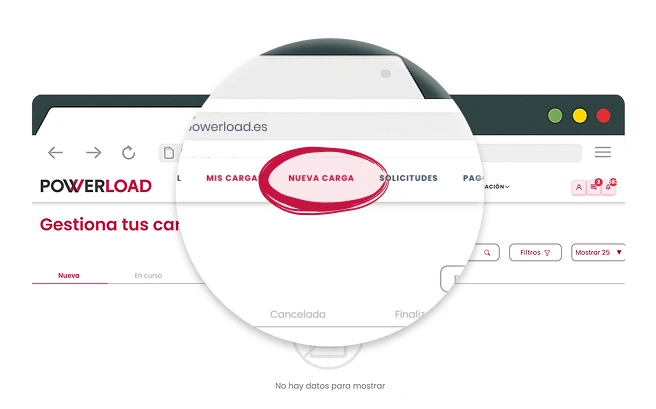
Create a Shipment

Go to the main menu and click on "New Shipment"
3
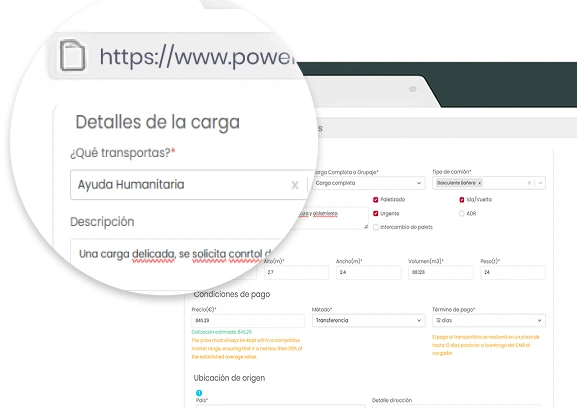
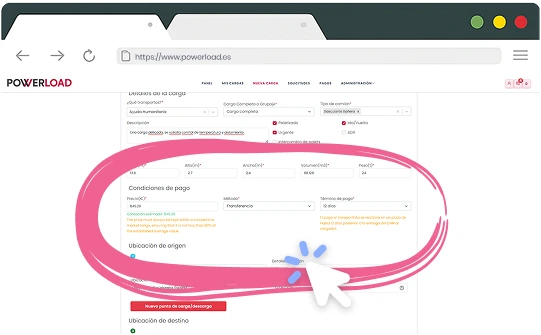
Enter Shipment Details
Fill in the required fields:
- Type of goods.
- Weight and volume.
- Pickup and delivery location.
- Loading date and time.
- Special conditions.

4
Enter Your Payment Method
Provide a valid payment method (bank transfer up to 60 days) to pay the carrier in accordance with legal regulations.
5
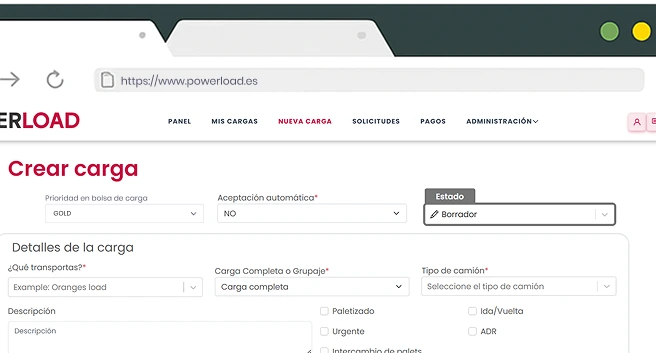
Choose How to Publish
Automatic acceptance
- The carrier accepts and an order is generated automatically.
Negotiable shipments
- Carriers send offers to negotiate conditions.
Save as draft
- Prepare and review before publishing.
Feature on top (Gold Plan)
- Maximum visibility and higher chance of quick acceptance.

6
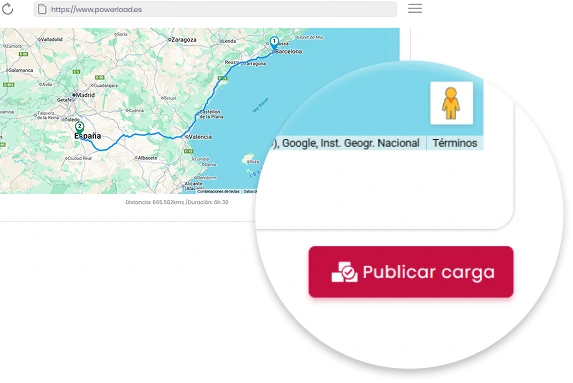
Publish the Shipment
Review all information and click “Publish”. The shipment will be available for carriers to either accept directly or send negotiation offers.

7
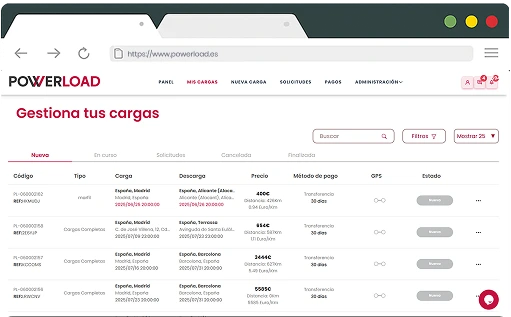
Manage Published Shipments
Ensure the shipment is listed in the shipment register of the shipment management dashboard.

8
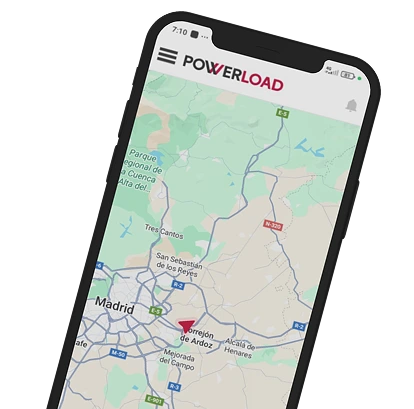
Manage Your Trip Until Completion
Review details, publish, use the integrated chat to coordinate, track GPS route in real time, and receive an automatic invoice upon completion.